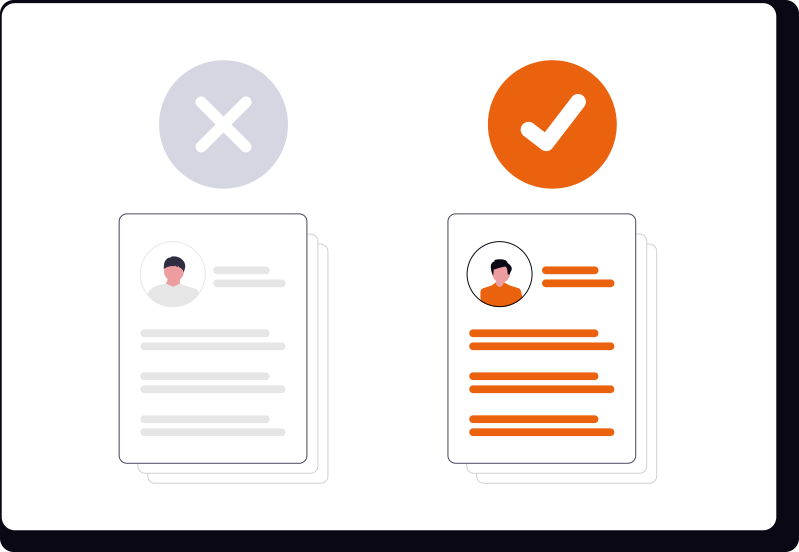

Post your unit for free
Publishing costs nothing. Once the unit is live, tour requests and applications come straight back to you.
Where your listing shows up
On the CPRB rental feed, beside every other unit on the platform. Renters filter by rent, beds, pets, furnishing and lease term, then book a tour or apply from the listing itself.
Three things happen next
- You build the listing
Build a listing in minutes — add photos, pricing, amenities, and what makes your property stand out.
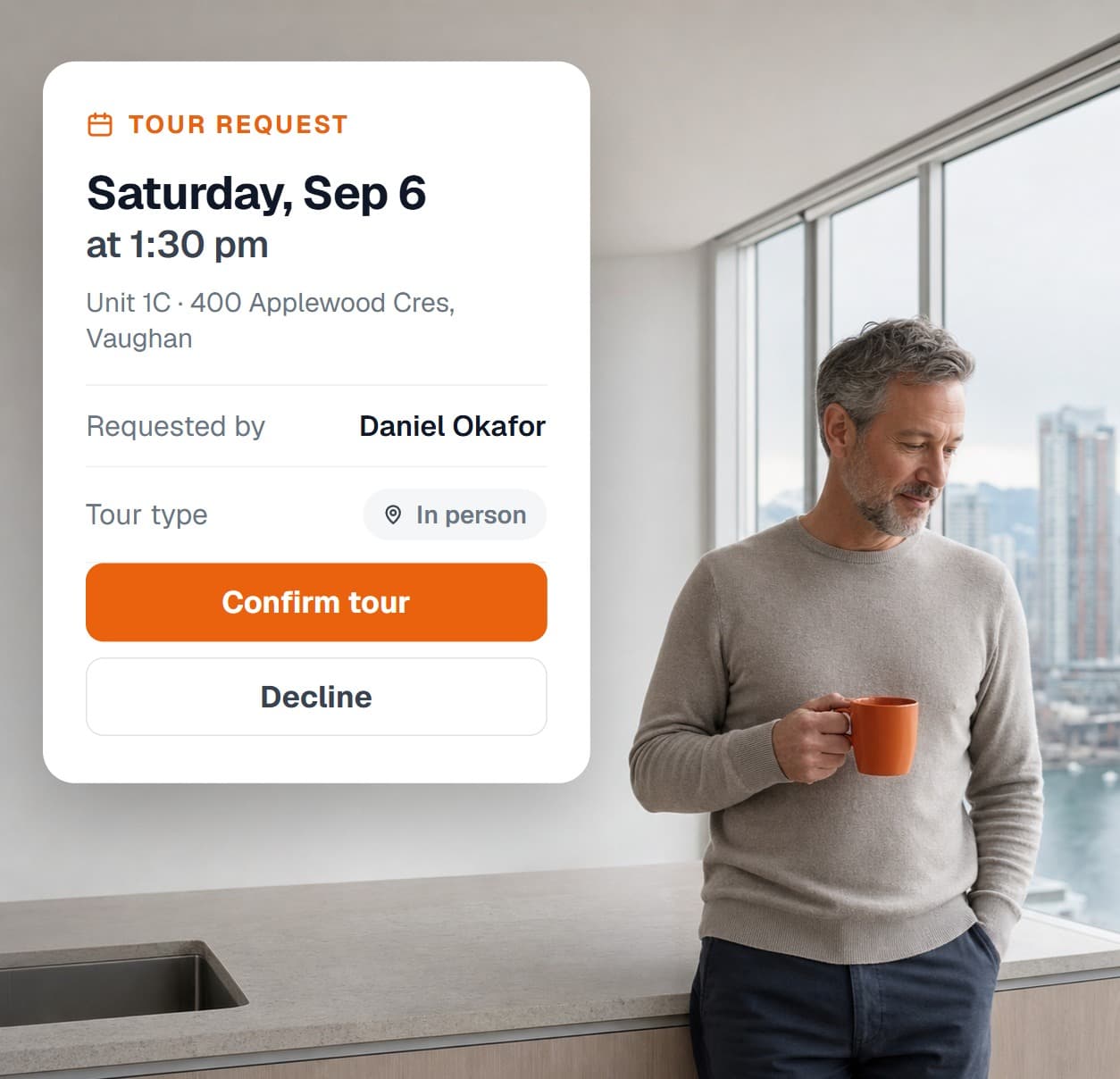
- Renters ask to see it
Renters find your listing and request a tour. You publish the times you are free and decide whether to confirm each one.
- You choose a tenant and sign
Review applications with verified identity and credit, e-sign the lease, then manage the tenancy from the same dashboard.
Screening comes with it
When you list your property with CPRB Rental Manager, renters can verify their identity with Plaid, submit an Equifax Canada credit report, and share their income, employment, and rental history — alongside landlord references.
Learn more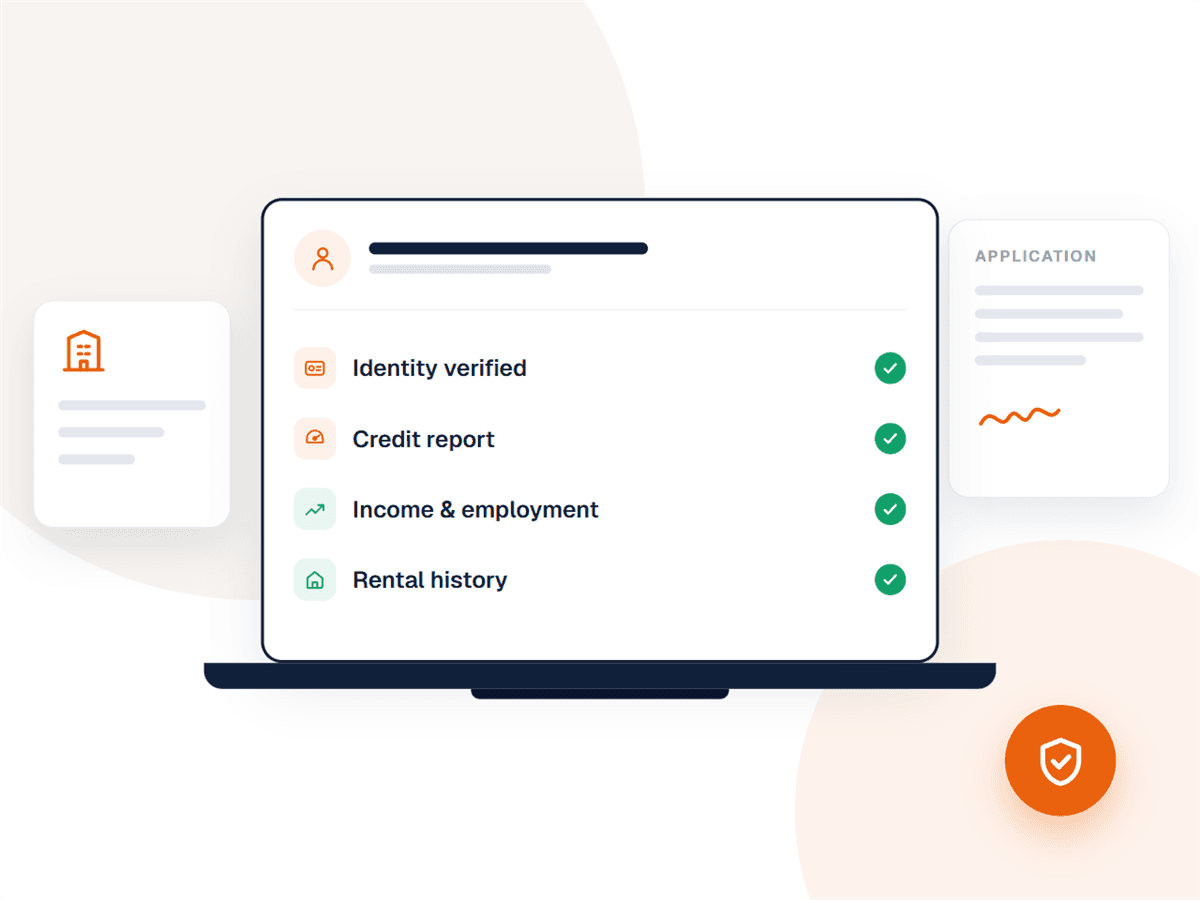
Check the rent first
Run a free PrimeAVM™ estimate on your address to see a suggested monthly rent, a confidence range, and the comparable rentals behind the number — before you set your price.
Run an estimate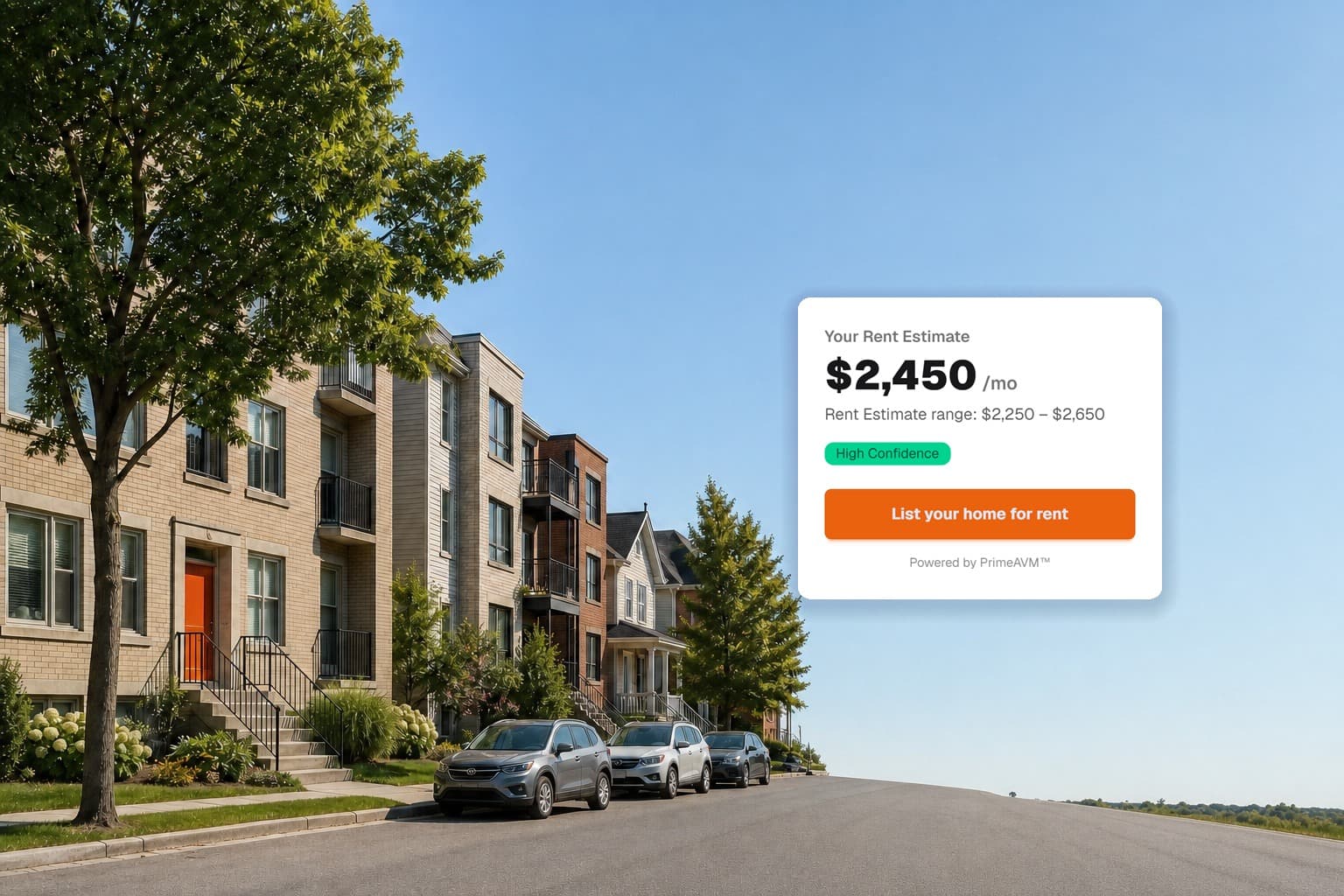
What you will fill in

The unit and its photos
The rent you are asking

Publish it to the feed
The optional Premium badge
Pay once and the listing carries a Featured badge on the feed. Everything else about it is identical to a free listing.
- Featured in the rental feed
Your listing carries a Featured badge on the CPRB rental feed, so it stands out from the listings beside it.
- One-time upgrade
A single upfront charge for that listing — no subscription and no monthly fees.
- Nothing else changes
Applications, screening, leases, tours and maintenance are already free on every listing. Premium adds visibility, not features.

What a free listing includes
All of it, at no charge, from the moment you publish.
Free to post
Publishing a rental to the CPRB feed costs nothing. Photos, pricing, amenities, availability and a full description are all included.
Applications built in
Renters can apply straight from your listing. Identity is verified through Plaid and credit comes from Equifax Canada — the applicant pays, not you.
Tours on your terms
Publish your availability and choose instant booking or review-and-confirm. Every request lands in your Leads inbox with the renter’s details.
Price before you publish
Run a free PrimeAVM™ estimate on your address first to see a suggested rent, a confidence range, and comparable rentals nearby.
Rooms and whole units
List an entire property or a single room with shared living space — renters can filter for either on the public feed.
You control the listing
Unpublish, mark as rented, or edit at any time. Multi-unit buildings group their units together under one property.